
Online Safety
Helping children stay safe, happy and confident online
The online world offers wonderful opportunities for children to learn, explore, create and connect with others. At Bewdley Primary School, we want every child to enjoy these opportunities while developing the knowledge, skills and confidence to stay safe.
Online safety is woven throughout our Computing, PSHE and wider curriculum, helping children make sensible choices, recognise potential risks and know when to ask for help. We know that keeping children safe online works best when schools and families work together. This page brings together practical advice, helpful resources and trusted organisations to support you in navigating the digital world with your child.
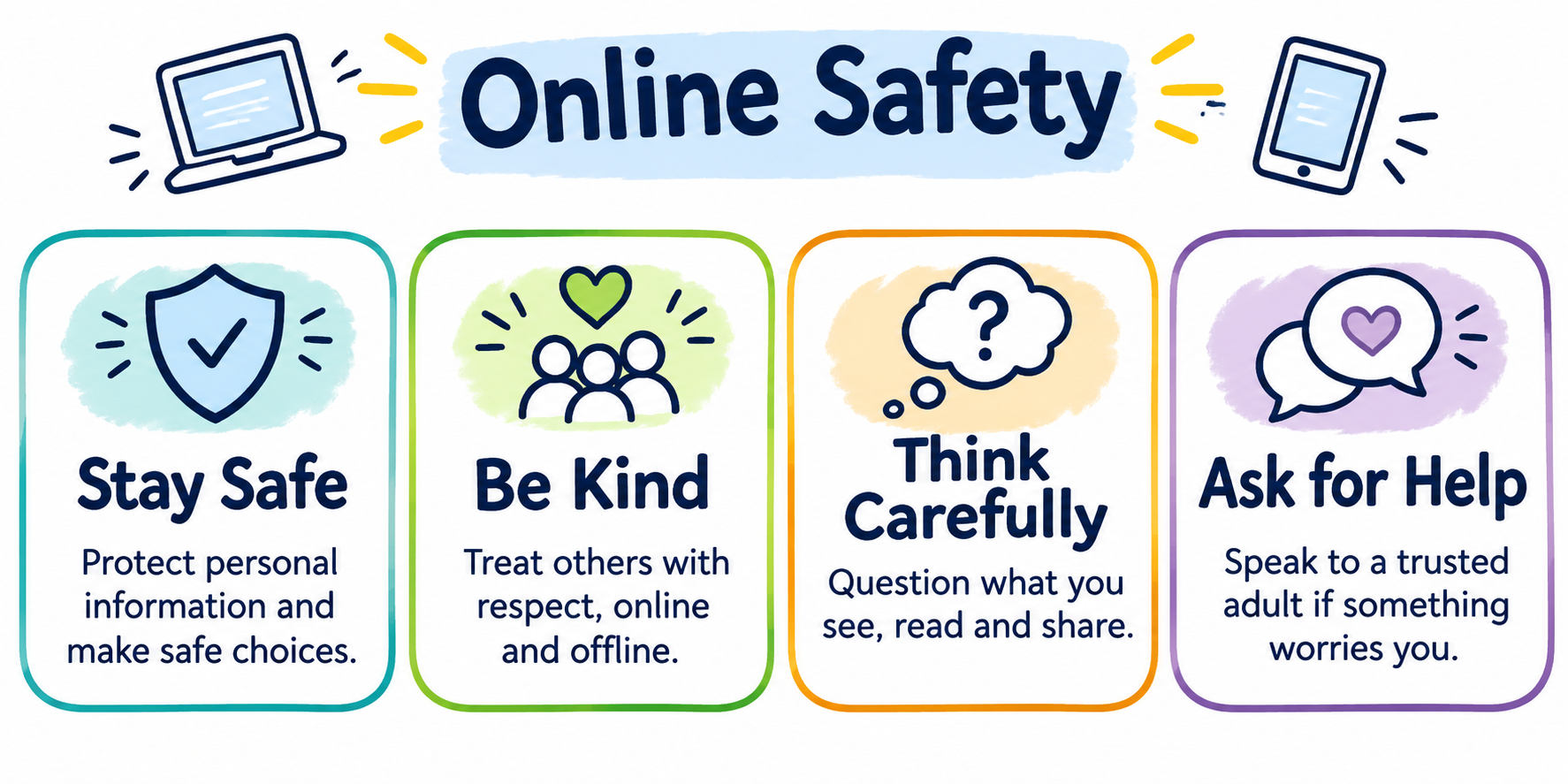
Helping Your Child Stay Safe Online at Home
You don't need to be a technology expert to help your child stay safe online. Small, everyday conversations and a few simple routines can make a big difference.
1. Keep talking Take an interest in the games, apps and websites your child enjoys. Encourage them to share both their positive experiences and anything that makes them uncomfortable.
2. Explore together Spend time discovering the online world with your child. Playing games, watching videos and exploring websites together can help you understand what they enjoy and where they might need guidance.
3. Agree clear boundaries Establish family expectations around screen time, where devices are used and appropriate online behaviour. Review these together as your child grows.
4. Check settings and controls Use age ratings, privacy settings and parental controls to help manage what your child can access and who can contact them. Remember that these tools work best alongside regular conversations.
5. Make it easy to ask for help Remind your child that they can always tell a trusted adult if something online worries, confuses or upsets them — even if they think they've made a mistake. Responding calmly helps children feel confident about speaking up.
Games, Apps and Parental Controls
Children's online experiences change quickly and it isn't always easy to keep up with the latest games, apps and platforms. Before your child uses a new game or app, it's worth checking its age rating, privacy settings, communication features and whether it allows purchases or contact with strangers.
Gaming and online friendships
Many games allow children to chat, play and interact with other users. Talk to your child about who they play with, what information they share and what to do if someone behaves inappropriately.
Social media and messaging
Many popular social media platforms have minimum age requirements, often 13 or older. Check the rules for individual services and discuss the importance of privacy, respectful communication and not sharing personal information or images without careful thought.
Parental controls and privacy settings
Parental controls can help families manage content, screen time, purchases and communication. However, settings alone cannot guarantee safety, so regular conversations remain essential.
Need help with a particular app or device?
Internet Matters provides practical, step-by-step guidance on parental controls, privacy settings and popular games and apps.
Recognising Online Risks and Getting Help
The internet can be a wonderful place for children, but sometimes they may encounter things that are confusing, upsetting or unsafe. Helping children recognise these situations — and knowing how to respond — is an important part of keeping them safe.
Cyberbullying and unkind behaviour
Unkind messages, exclusion from online groups or hurtful comments can have a significant impact on children. Encourage your child to speak up, avoid responding to hurtful messages and tell a trusted adult. Where appropriate, keep a record of concerning messages and use the platform's reporting tools.
Inappropriate content and unwanted contact
Children may occasionally see upsetting material or receive messages from people they do not know. Remind your child that they should never feel pressured to respond, share personal information or keep an online interaction secret. They can always ask for help.
Scams, misinformation and AI-generated content
Not everything we see online is genuine. Images, videos and messages can be edited, misleading or created using artificial intelligence (AI). Encourage your child to question what they see, check information with trusted sources and think carefully before clicking links or sharing content.
What should I do if something goes wrong?
If your child tells you about something concerning online:
- Stay calm and listen. Thank them for telling you and reassure them that asking for help was the right thing to do.
- Take their concerns seriously. Avoid blaming them or immediately removing access to their devices, as this may discourage them from speaking up again.
- Report and block where appropriate. Use the safety and reporting features available within apps, games and websites.
- Seek further support. Contact school if the concern affects your child's safety or wellbeing. Serious concerns involving online sexual abuse or exploitation can be reported to CEOP.
If there is an immediate danger, contact the police on 999.